Work Orders and Field Guidance
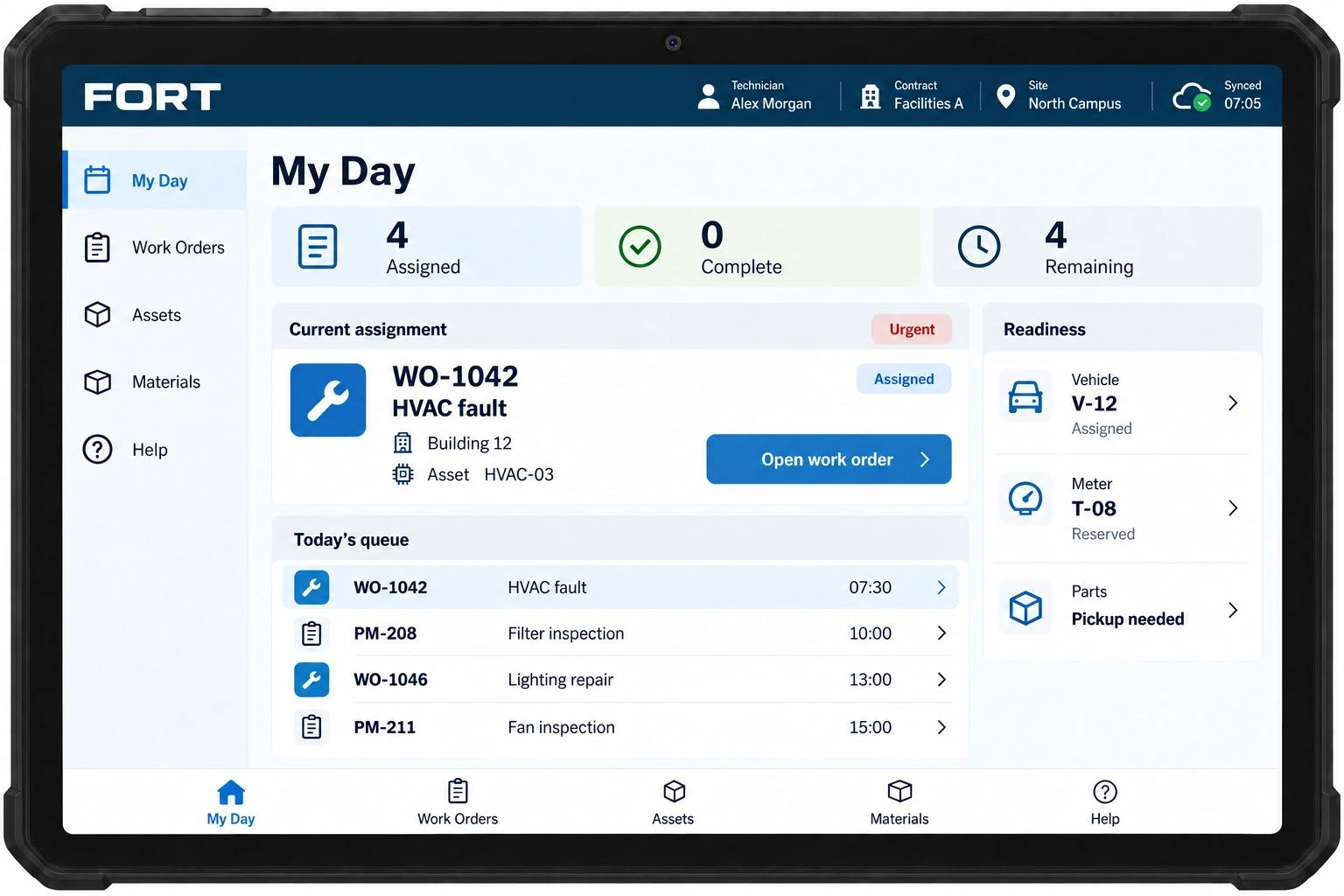
A daily work queue, asset information, approved references, and documented work findings.
Facilities Operations & Readiness Tracking
Connect the request to the right people, resources, and verified completion.
Request a DemonstrationOur tablet-based maintenance platform connects field teams and supervisors through a coordinated work cycle: request, assign, prepare, execute, review, and close.
A daily work queue, asset information, approved references, and documented work findings.
Coordinate tools, vehicles, materials, access, and the preparation needed before work starts.
Review completion evidence, resolve exceptions, and track accountable handoffs.
Capture the maintenance requirement, asset, location, and work priority.
Identify the work steps, responsible team, and required access.
Coordinate the tools, parts, materials, and vehicles needed before dispatch.
Bring field guidance, findings, and completion evidence into the work record.
Review the result, resolve exceptions, and close the work with an accountable handoff.